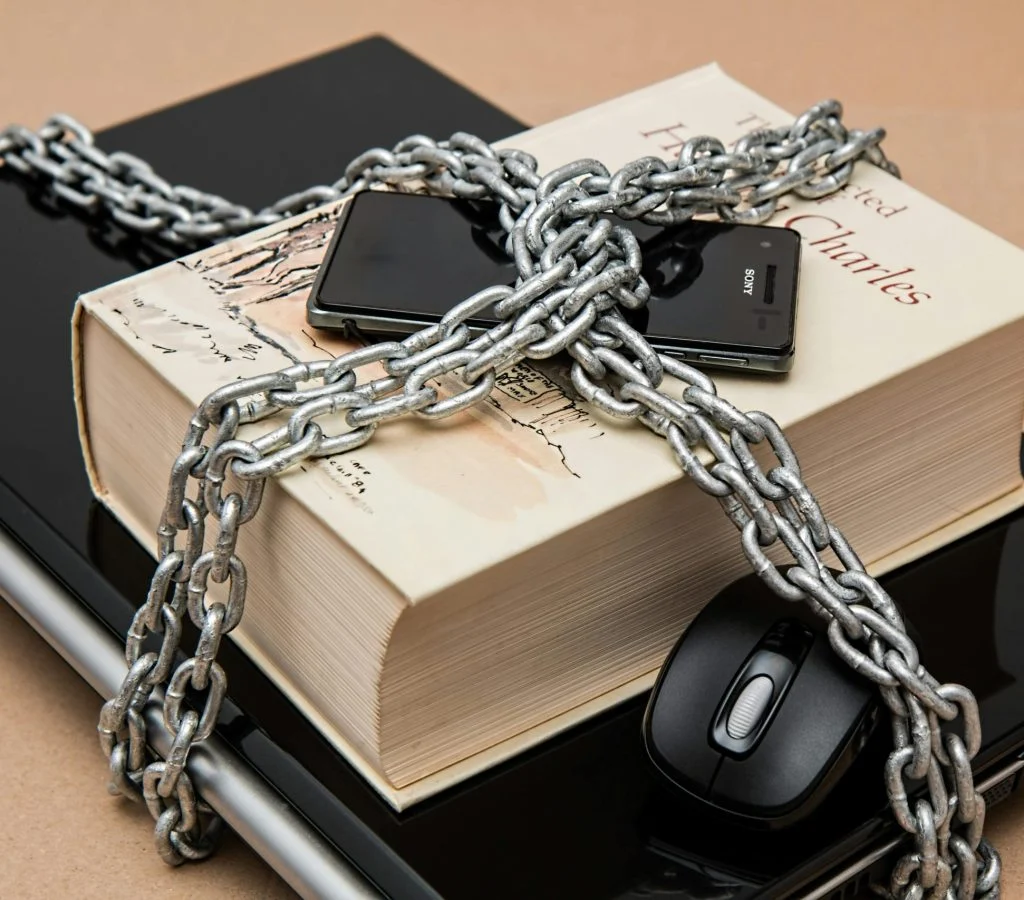

Online accounts store important personal and financial information. Weak passwords can make them vulnerable to attacks. Learning how to create strong passwords helps improve security and protect data.
Cybersecurity experts explain that strong passwords are a key defense against unauthorized access. Simple habits can significantly reduce risk.
Step 1: Use a Combination of Characters
Strong passwords include letters, numbers, and symbols.
Experts recommend mixing uppercase and lowercase letters.
This increases complexity.

Step 2: Make Passwords Long and Unique
Longer passwords are harder to guess.
Experts suggest using at least 12 characters.
This improves security.
Step 3: Avoid Common Words and Patterns
Simple words and patterns are easy to guess.
Experts recommend avoiding names, dates, or common phrases.
This reduces risk.
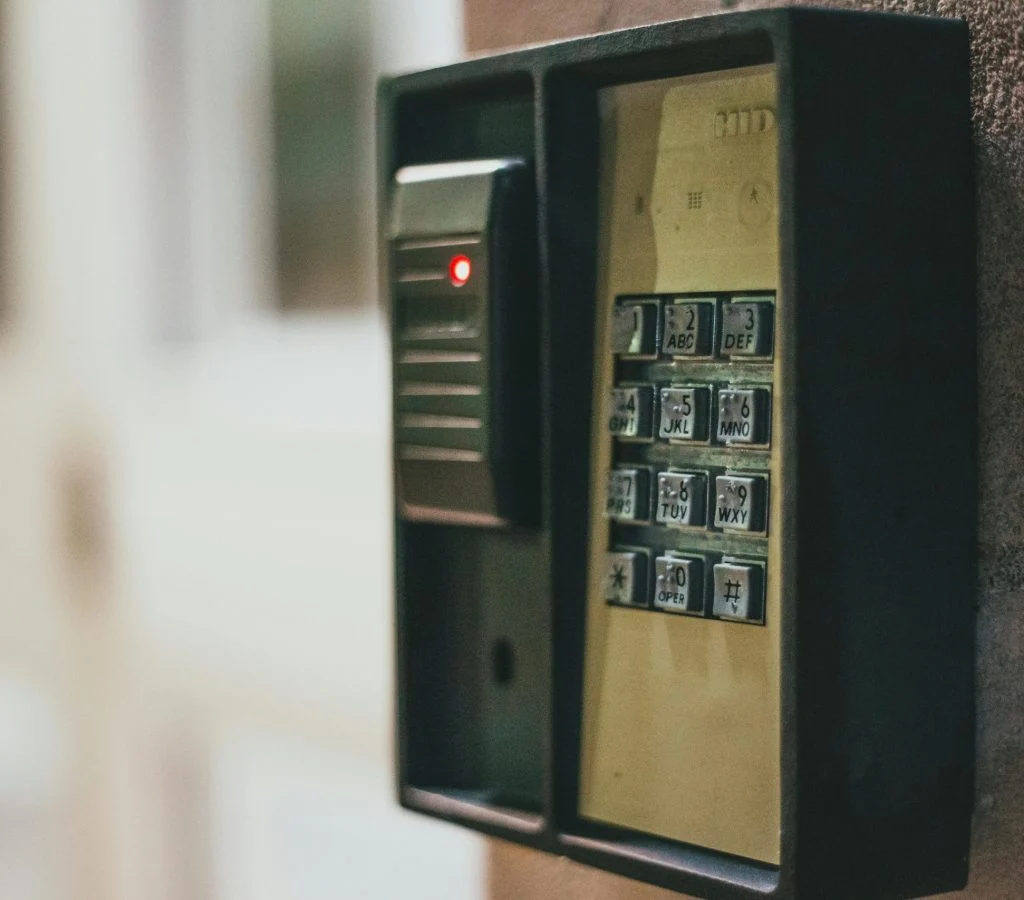
Step 4: Use Different Passwords for Each Account
Using the same password for multiple accounts increases risk.
Experts recommend creating unique passwords for each account.
This improves protection.
Step 5: Consider Using a Password Manager
Password managers help store and generate secure passwords.
Experts suggest using them for convenience and safety.
This simplifies management.

Step 6: Enable Two-Factor Authentication
Two-factor authentication adds an extra layer of security.
Experts recommend enabling it for important accounts.
This reduces unauthorized access.
Step 7: Update Passwords Regularly
Regular updates help maintain security.
Experts suggest changing passwords periodically.
This reduces risk over time.
Frequently Asked Questions
Q: What makes a password strong?
A: A strong password is long, unique, and includes a mix of characters.
Q: Should I use the same password for all accounts?
A: No, using unique passwords improves security.
Q: Are password managers safe?
A: Yes, they help store and generate secure passwords.
Q: Why is two-factor authentication important?
A: It adds an extra layer of protection to accounts.
Key Takeaway
Create strong passwords by using complex combinations, avoiding common patterns, and updating regularly. These steps improve account security and reduce risks. Experts highlight that strong passwords are essential for online safety.