
Running out of storage space is a common issue for smartphone users. It can slow down performance and limit functionality. Learning how to free up storage space helps improve speed and usability.
Technology experts explain that simple steps can create more space without losing important data. These methods are easy and effective.
1. Delete Unused Apps
Unused apps take up storage space unnecessarily.
Experts recommend removing apps that are not needed.
This frees up space quickly.

2. Clear Cache and Temporary Files
Cache files accumulate over time and use storage.
Experts suggest clearing cache regularly.
This improves performance.
3. Remove Duplicate Photos and Videos
Duplicate media files take up unnecessary space.
Experts recommend reviewing and deleting duplicates.
This frees storage.

4. Move Files to Cloud Storage
Cloud storage allows users to store files online.
Experts suggest moving large files to cloud services.
This frees device space.
5. Delete Old Downloads and Files
Downloads folder often contains unused files.
Experts recommend cleaning it regularly.
This improves storage availability.
6. Use Lite Versions of Apps
Lite apps use less storage compared to full versions.
Experts recommend using them when available.
This saves space.
7. Disable Automatic Media Downloads
Apps may download media automatically.
Experts suggest turning off auto-download features.
This reduces storage usage.
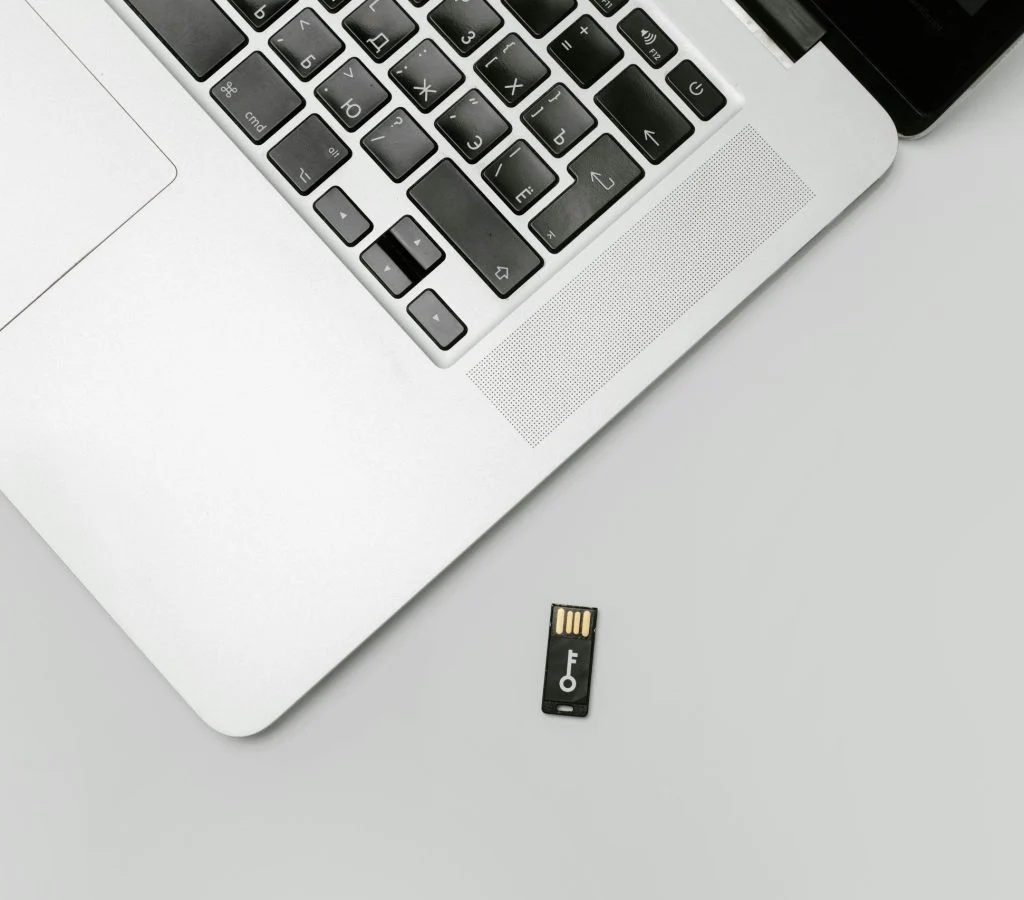
8. Transfer Files to External Storage
External storage devices can hold extra data.
Experts recommend transferring large files.
This frees internal storage.
9. Reset Device as a Last Option
Resetting removes all data and restores default settings.
Experts suggest using this option carefully.
This clears storage completely.
Frequently Asked Questions
Q: Why is my phone storage full?
A: It can be due to apps, media files, and cached data.
Q: Does clearing cache free space?
A: Yes, it removes temporary files.
Q: Should I delete apps to free storage?
A: Yes, removing unused apps helps free space.
Q: Is cloud storage useful?
A: Yes, it helps store files without using device space.
Key Takeaway
Free up storage space by deleting unused apps, clearing cache, and managing files effectively. Simple steps can improve performance and usability. Experts highlight that regular cleanup keeps devices running smoothly.