

Public WiFi networks are convenient for browsing and working on the go. However, they can also expose personal data to risks. Learning how to stay safe on public WiFi helps protect sensitive information.
Cybersecurity experts explain that simple precautions can reduce risks significantly. These tips are easy to follow and effective.
1. Avoid Accessing Sensitive Information
Public WiFi is not secure for sensitive activities.
Experts recommend avoiding banking or personal logins.
This reduces risk.

2. Use Secure Websites Only
Secure websites use encryption to protect data.
Experts suggest checking for HTTPS in the address bar.
This improves safety.
3. Turn Off Automatic Connections
Devices may connect automatically to open networks.
Experts recommend disabling this feature.
This prevents unwanted connections.

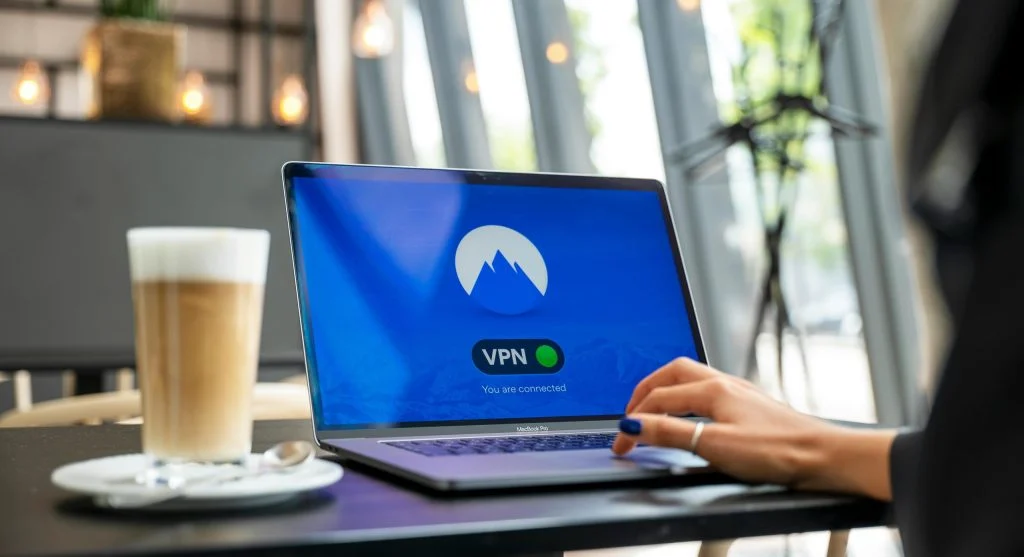
4. Use a Virtual Private Network (VPN)
VPNs encrypt internet traffic.
Experts recommend using them on public networks.
This improves security.
5. Keep Software Updated
Updates fix security vulnerabilities.
Experts suggest installing updates regularly.
This improves protection.

6. Disable File Sharing
File sharing can expose data to others.
Experts recommend turning it off on public networks.
This reduces risk.
7. Log Out After Use
Logging out prevents unauthorized access.
Experts suggest signing out of accounts after use.
This improves security.
8. Use Two-Factor Authentication
Two-factor authentication adds extra protection.
Experts recommend enabling it for accounts.
This reduces risk.
9. Forget the Network After Use
Saving public networks can expose devices later.
Experts suggest removing saved networks.
This improves safety.
Frequently Asked Questions
Q: Is public WiFi safe?
A: It can be risky without proper precautions.
Q: Should I use public WiFi for banking?
A: No, avoid sensitive activities on public networks.
Q: Does a VPN improve safety?
A: Yes, it encrypts your connection.
Q: Why should I log out after using public WiFi?
A: It prevents unauthorized access to accounts.
Key Takeaway
Stay safe on public WiFi by avoiding sensitive tasks, using secure connections, and enabling protection features. Simple precautions can reduce risks. Experts highlight that awareness is key to online safety.