


Apps crashing on smartphones can interrupt daily tasks and quickly become frustrating. This problem is common and may happen because of software bugs, storage issues, or outdated apps. Learning how to fix apps crashing helps restore stability and improve overall performance.
Technology experts explain that most app problems can be fixed with simple troubleshooting steps. These methods are easy to follow and effective.
Step 1: Restart Your Smartphone
Restarting can clear temporary glitches that may be affecting apps.
Experts recommend restarting the device first.
This refreshes the system.

Step 2: Update the App
Outdated apps may contain bugs that cause crashes.
Experts suggest updating apps regularly.
This improves stability.
Step 3: Clear App Cache and Data
Cache files can sometimes create app issues.
Experts recommend clearing cache and data.
This helps resolve errors.
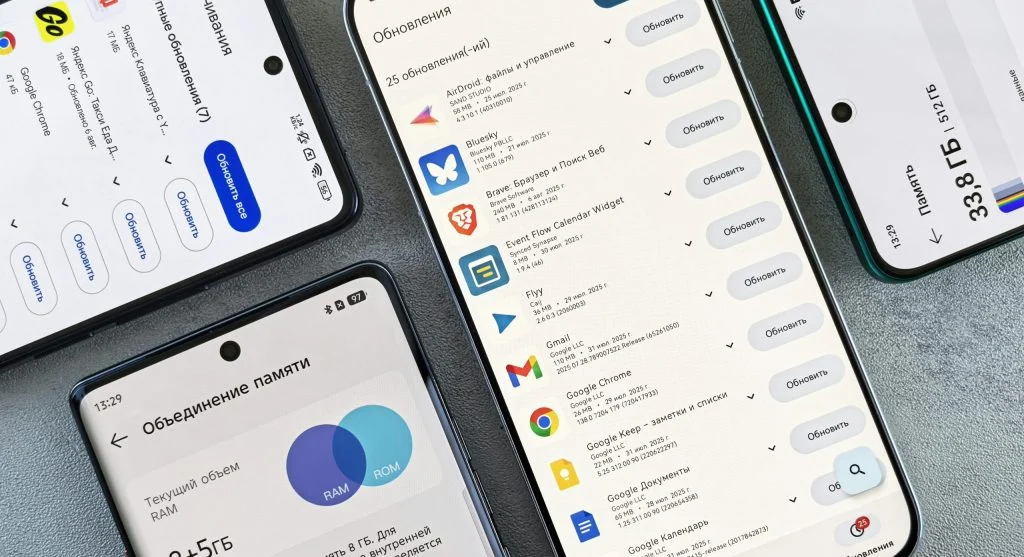
Step 4: Check Storage Space
Low storage can affect how well apps perform.
Experts recommend freeing up space when needed.
This improves functionality.
Step 5: Update System Software
System updates can fix compatibility issues.
Experts suggest installing updates regularly.
This improves performance.

Step 6: Reinstall the App
Reinstalling can remove corrupted files from the app.
Experts recommend uninstalling and reinstalling the app.
This helps resolve issues.
Step 7: Check Permissions and Settings
Incorrect permissions may cause some apps to crash.
Experts suggest reviewing app permissions and settings.
This improves functionality.
Frequently Asked Questions
Q: Why do apps crash on my phone?
A: It can be due to bugs, storage issues, or outdated apps.
Q: Does clearing cache fix app crashes?
A: Yes, it removes temporary files causing issues.
Q: Should I update apps regularly?
A: Yes, updates fix bugs and improve stability.
Q: Is reinstalling apps helpful?
A: Yes, it can fix corrupted files.