

Apps crashing on a smartphone can disrupt daily tasks and impact productivity. Users may notice apps closing unexpectedly or becoming unresponsive. Knowing how to fix apps crashing can help restore smooth performance.
Technology experts explain that crashes often happen due to software glitches, low storage, or outdated apps. In many cases, these issues can be resolved with simple troubleshooting steps.
Step 1: Restart Your Device to Fix Apps Crashing
Restarting your smartphone refreshes system processes and clears temporary errors. It’s often the first and easiest step to fix apps crashing.
IT professionals recommend restarting your device regularly to keep it running smoothly.
This quick step can often resolve minor issues.

Credit: Markus Winkler / Pexels
Step 2: Update Apps to Prevent Crashes
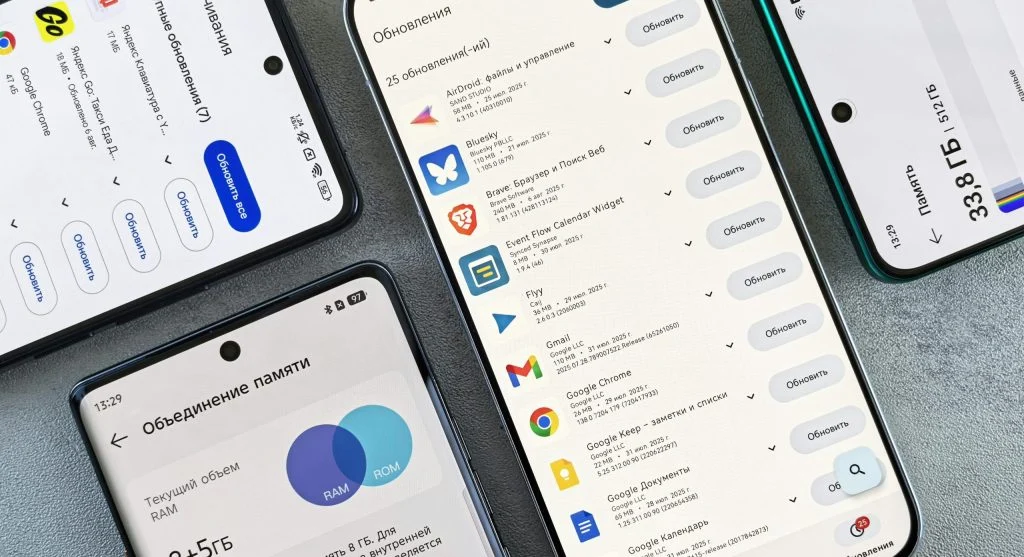
Outdated apps can contain bugs that lead to crashes. Keeping your apps updated helps ensure they run smoothly.
Developers regularly release updates to fix issues and improve overall performance.
Staying up to date is an important part of preventing crashes.
Step 3: Clear App Cache to Improve Stability
Over time, cache files can accumulate and start causing performance problems. Clearing the cache can help fix this.
Experts point out that clearing cache does not remove personal data.
This simple step can improve app stability and performance.
Credit: Nothing Ahead / Pexels
Credit: Andrey Matveev / Pexels
Step 6: Reinstall Problematic Apps
If an app keeps crashing, reinstalling it can often solve the problem. This process removes any corrupted files that may be causing issues.
Experts suggest uninstalling the app and downloading it again from an official app store.
This gives you a clean, fresh installation.
Step 7: Check App Permissions and Compatibility
Incorrect permissions or compatibility issues can also lead to crashes. Taking a moment to review the app’s settings can make a difference.
Experts recommend ensuring that apps have the necessary permissions to function properly.
This helps improve overall stability.
Frequently Asked Questions
Q: Why do apps keep crashing on my phone?
A: Common reasons include outdated apps, low storage, or software issues.
Q: Does clearing cache fix app crashes?
A: Yes, clearing cache can resolve performance issues without deleting data.
Q: Should I update my apps regularly?
A: Yes, updates fix bugs and improve app stability.
Q: When should I reinstall an app?
A: Reinstall an app if it continues to crash after trying other fixes.