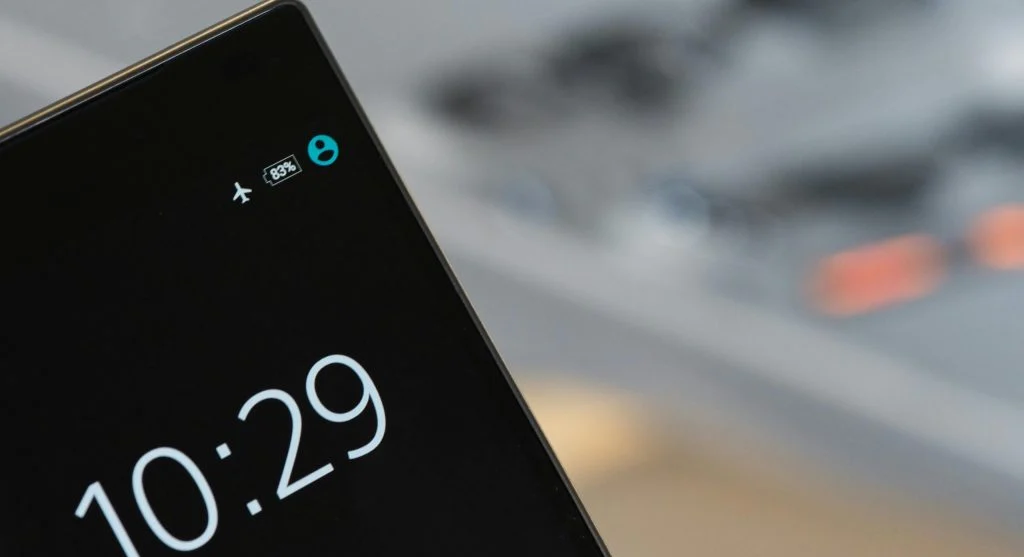
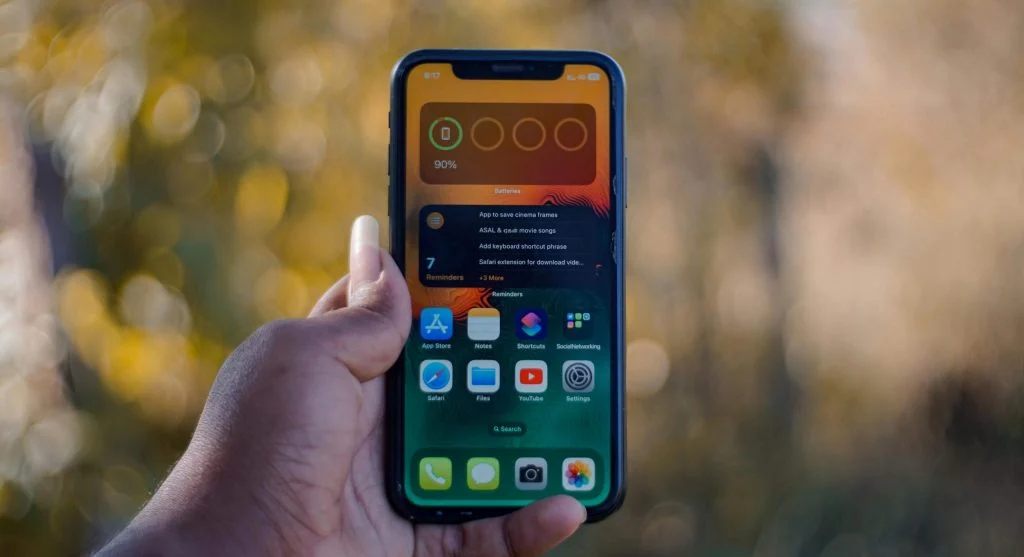
Low battery warning on smartphone
Tips to improve your smartphone's battery life when you see the low battery warning

How to Improve Smartphone Battery Life Experts Recommend for Daily Use

Battery life is one of the most important aspects of smartphone performance. Many users find their devices running out of power too quickly during the day. Learning how to improve smartphone battery life can help ensure more consistent use.

Technology experts explain that battery performance is influenced by usage habits, device settings, and background activity. With a few simple adjustments, it’s possible to extend battery life without affecting functionality.

Step 1: Adjust Screen Brightness to Improve Smartphone Battery Life

The display is one of the biggest drains on battery power. Reducing screen brightness can significantly cut down energy usage.

Experts recommend turning on automatic brightness, which adjusts the screen based on surrounding light conditions.

This simple change can help improve smartphone battery life effectively.

Smartphone screen with adjusted brightness to save battery

Credit: Soundarapandian MS / Pexels

Step 2: Limit Background Apps to Save Phone Battery

Apps running in the background can drain battery power even when you’re not actively using them. Limiting these apps can help extend battery life.

Mobile engineers suggest reviewing app usage and restricting unnecessary background activity.

This reduces battery drain and improves overall efficiency.

Step 3: Turn Off Unused Connectivity Features

Features like Wi-Fi, Bluetooth, and GPS continue to use battery when left on. Turning them off when they’re not needed can make a difference.

Experts recommend adjusting connectivity settings based on your daily use.

This simple step helps improve battery management.
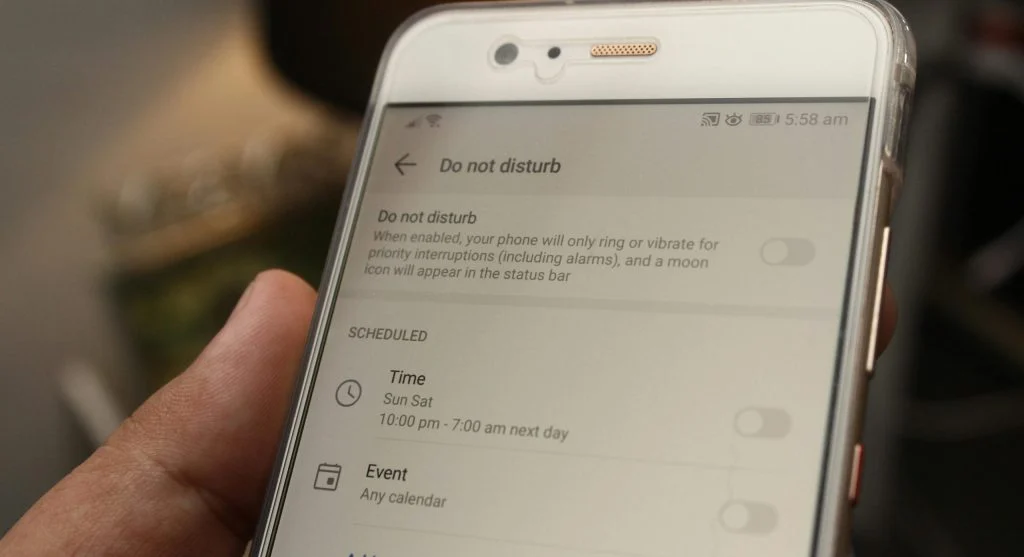
Turning off features to extend smartphone battery life

Credit: Daniel Moises Magulado / Pexels

Step 4: Enable Battery Saver Mode for Better Efficiency

Most smartphones come with a battery saver mode that helps reduce power usage. It limits background activity and adjusts performance to conserve energy.

Hardware specialists explain that this feature can extend usage time, especially when the battery is running low.

Using battery saver mode can help maintain smartphone battery life throughout the day.

Step 5: Keep Software Updated for Battery Optimization

Software updates often include improvements that enhance battery performance. Keeping your device up to date helps ensure it runs more efficiently.

Developers regularly refine systems to reduce power consumption through these updates.

Staying updated supports better overall battery usage.
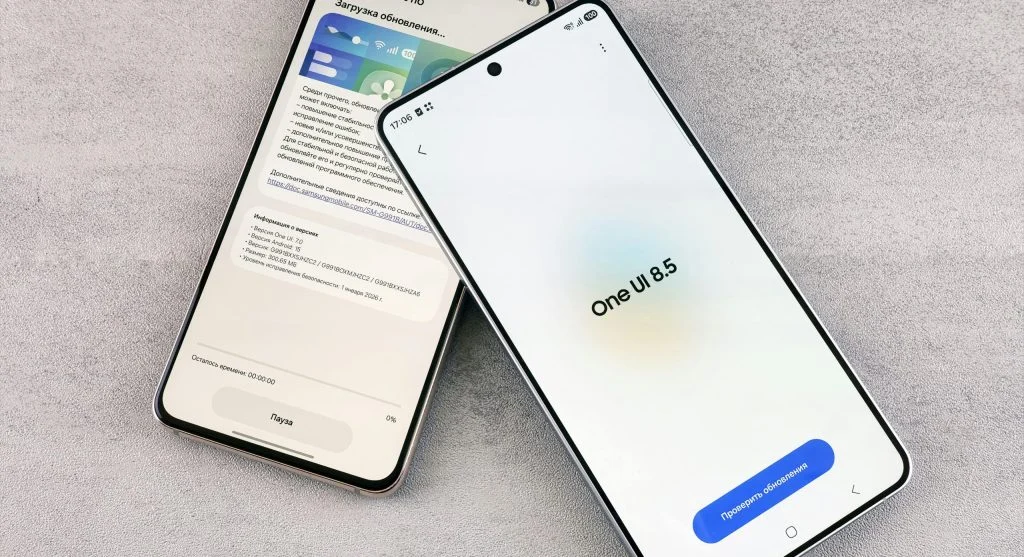
Graphic of a smartphone with a battery icon and a settings icon

Credit: Andrey Matveev / Pexels

Step 6: Manage Notifications to Reduce Battery Usage

Frequent notifications can wake the screen and use power throughout the day. Limiting unnecessary alerts can help conserve battery.

Experts suggest turning off notifications for non-essential apps and keeping only the important ones active.

This helps reduce battery drain over time.

Step 7: Avoid Extreme Temperatures for Better Battery Health

Temperature has a direct impact on battery performance. Exposure to extreme heat or cold can lower efficiency.

Battery specialists recommend keeping devices within normal temperature ranges.

This helps maintain long-term battery health.

Frequently Asked Questions

Q: What drains smartphone battery the most?
A: Screen brightness, background apps, and connectivity features are major factors.

Q: Does battery saver mode help?
A: Yes, it reduces background activity and extends battery life.

Q: Should I turn off Wi-Fi and Bluetooth?
A: Turning them off when not in use can help save battery.

Q: Do updates improve battery performance?
A: Yes, updates often include optimizations that improve battery efficiency.


 

Key Takeaway

Improving smartphone battery life often comes down to adjusting settings, managing apps, and making use of built-in features like battery saver mode. These simple steps can help extend usage time while keeping the device running efficiently. Experts also emphasize that regular maintenance plays an important role in supporting long-term battery performance.

Comments

No comments yet. Why don’t you start the discussion?

Leave a Reply

Your email address will not be published. Required fields are marked *