

Smartphones can become slower over time due to heavy use, limited storage, or background activity. This slowdown can affect everyday tasks like browsing and using apps. Knowing how to speed up a slow smartphone can help restore better performance.
Technology experts explain that a few simple adjustments can make a noticeable difference, without the need for advanced tools. These tips are easy to follow and work for most devices.
1. Restart Your Device to Speed Up a Slow Smartphone
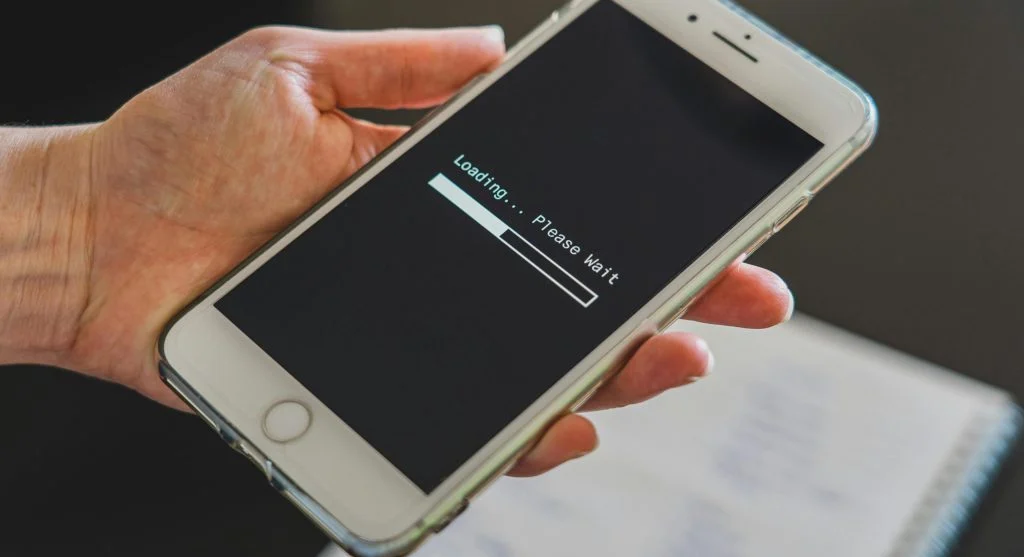
Restarting your device clears temporary files and refreshes system processes. It’s one of the easiest ways to boost performance.
IT professionals recommend restarting regularly to keep your smartphone running smoothly.
This quick step can help fix minor issues right away.
Credit: Castorly Stock / Pexels
2. Free Up Storage Space for Better Performance
Low storage can slow a smartphone down. Deleting unused apps and unnecessary files can help improve speed.
Experts recommend keeping enough free space available for the device to run smoothly.
Using cloud storage can also help manage large files more efficiently.
3. Update Software to Fix Performance Issues
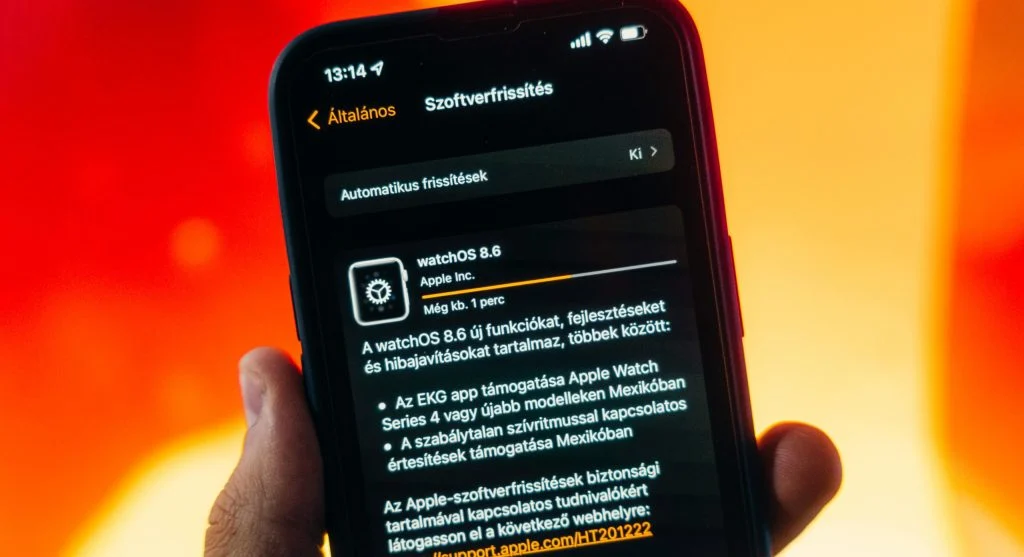
Software updates often include performance improvements and bug fixes. Keeping your device up to date helps it run more efficiently.
Developers regularly optimize systems through updates to ensure better performance.
This step supports consistent speed over time.
Credit: Szabó Viktor / Pexels
4. Close Background Apps to Reduce Load
Apps running in the background can use up memory and processing power. Closing the ones you’re not using can help improve speed.
Experts recommend checking which apps are active and limiting background activity where possible.
This helps reduce the overall load on your device.
5. Reduce Animations and Visual Effects
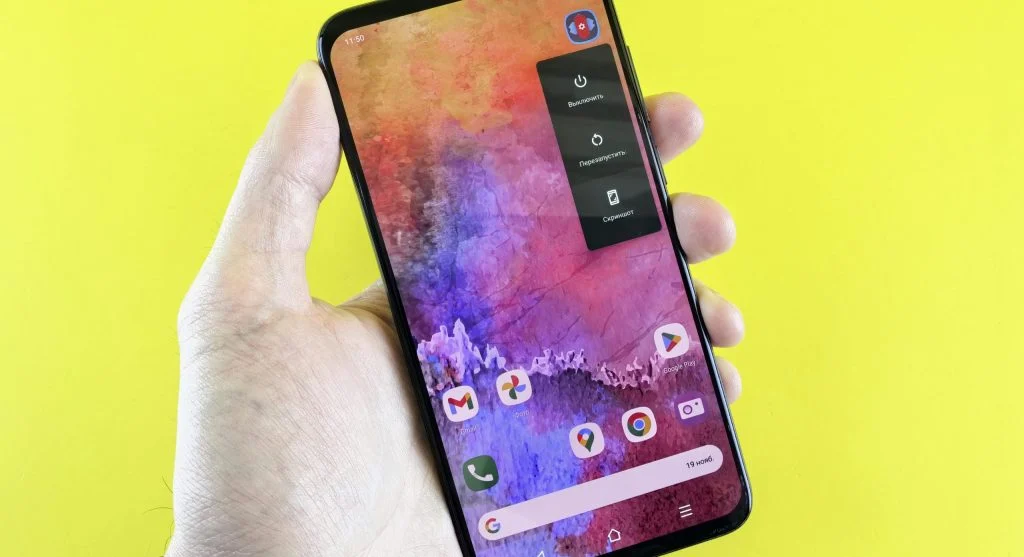
Animations and visual effects can sometimes slow things down, especially on older devices. Reducing them can make your phone feel more responsive.
Technology specialists suggest adjusting these settings for smoother performance.
This small change can noticeably improve the user experience.
Credit: Andrey Matveev / Pexels
6. Disable Unused Features and Services
Features like Bluetooth and location services can use system resources when left on. Turning them off when not in use can help improve performance.
Experts recommend adjusting these settings based on your daily usage.
This helps reduce unnecessary load on the device.
7. Check for Problematic Apps
Some apps can slow down your phone due to bugs or high resource usage. Identifying these apps can make a noticeable difference.
Experts suggest updating or uninstalling any apps that seem to cause issues.
This can help improve overall performance.
8. Clear Cache Data Regularly
Cache files can build up over time and start affecting speed. Clearing the cache helps free up system resources.
Experts note that this process does not remove personal data.
Regularly clearing cache supports smoother operation.
9. Reset Device as a Last Option
If performance problems continue, resetting your device may help. This returns it to its original settings.
Experts recommend backing up your data before taking this step.
This option should only be used when other solutions don’t work.
Frequently Asked Questions
Q: Why is my smartphone slow?
A: Common reasons include low storage, background apps, and outdated software.
Q: Does restarting improve performance?
A: Yes, restarting clears temporary issues and refreshes the system.
Q: Is clearing cache safe?
A: Yes, clearing cache removes temporary files without affecting personal data.
Q: When should I reset my smartphone?
A: Resetting should be used as a last option when other fixes do not work.